Deploy Flutter web app with GitHub Actions or GitLab CI/CD on Pages in 5 min

Flutter is growing in its popularity from day to day, and now it is even easier to spin it off with web support. Probably the quickest way to see web in action is to deploy it on GitLab pages or GitHub pages. Lets see how to do this in 5 minutes ⏳
Create a Flutter app
First step is to create a Flutter project. Since 2.0 web support is native, so we just need to use latest stable version:
1
2
3
flutter channel stable
flutter upgrade
flutter create flutter_web
Update base URL
Assuming that your future repository name will be flutter_web lets update the base URL for correct routing. Open web/index.html and update:

This steps are common for both GitLab & Github platforms.
GitHub
Create an empty project on the GitHub.
Please, note that your Repository name should be the same as a base URL we updated above
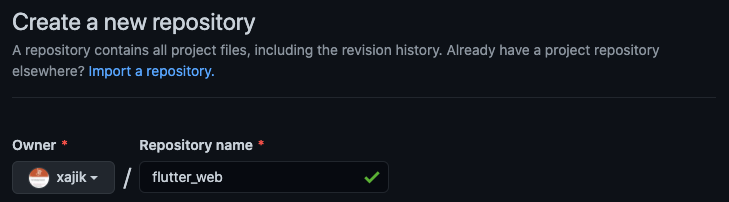
GitHub — create a new project
GitHub Actions
Now let’s add a GitHub actions script. Create a new file: .github/workflows/build-deploy.yml with a next content:
1
2
3
4
5
6
7
8
9
10
11
12
13
14
15
16
17
18
19
20
21
22
23
24
25
26
27
28
29
30
31
32
33
34
35
36
37
38
39
40
41
42
43
44
45
46
47
48
49
50
51
52
53
54
55
56
57
name: Build & deploy

on:
  push:
    branches:
      - master
  pull_request:
    branches:
      - master

jobs:
  build:
    name: Build
    runs-on: ubuntu-latest

    steps:
    - name: Checkout code
      uses: actions/checkout@v2

    - name: Install Flutter
      uses: subosito/flutter-action@v1
      with:
        flutter-version: '2.0.5'

    - name: Get dependencies
      run: flutter pub get

    - name: Test project
      run: flutter test

    - name: Build release project
      run: flutter build web

    - name: Upload production-ready build files
      uses: actions/upload-artifact@v2
      with:
        name: production-files
        path: ./build/web

  deploy:
    name: Deploy
    needs: build
    runs-on: ubuntu-latest
    if: github.ref == 'refs/heads/master'

    steps:
    - name: Download artifact
      uses: actions/download-artifact@v2
      with:
        name: production-files
        path: ./build

    - name: Deploy to gh-pages
      uses: peaceiris/actions-gh-pages@v3
      with:
        github_token: ${{ secrets.GITHUB_TOKEN }}
        publish_dir: ./build
After merging this to master GitHub automatically recognises a new action and triggers a build
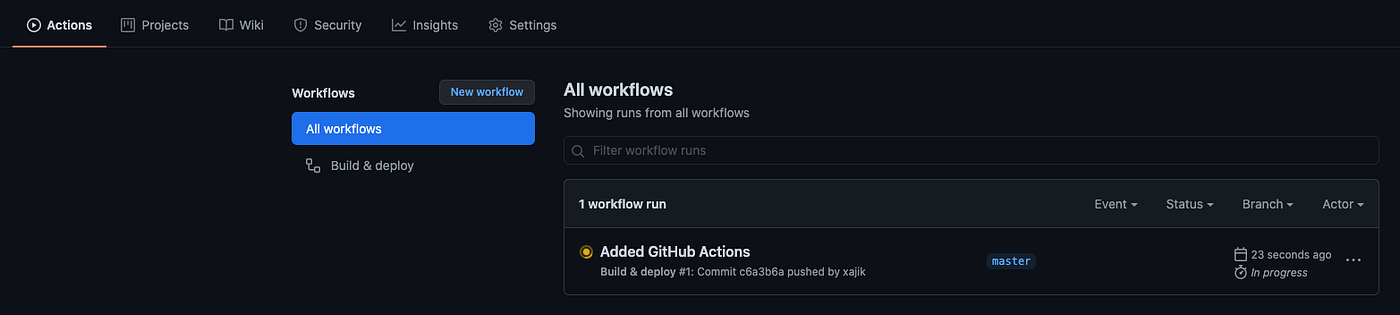
GitHub Action in progress
Wait utill pipeline successfully passes
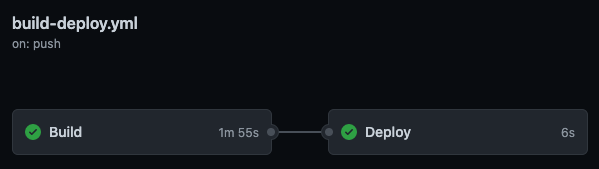
GitHub Actions pipeline
This action will create a new branch gh-pages where you can check out content of the web build
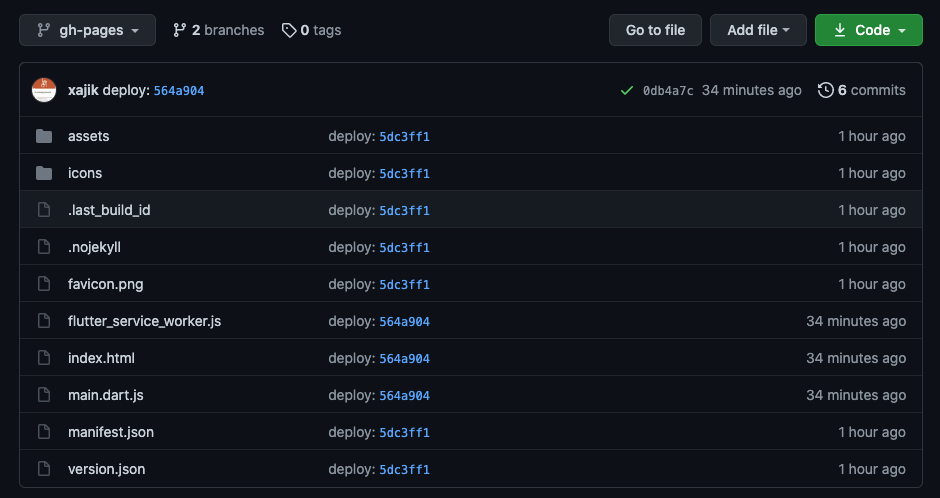
gh-pages branch with release web build content
GitHub Pages
Last step is to enable GitHub Pages for this repo from the Settings/Pages

GitHub pages
GitHub Preview
Visit your pages URL to see deployed web-app
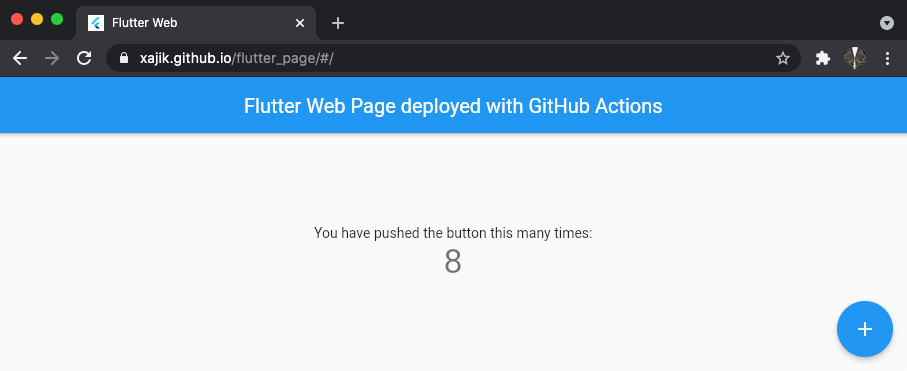
https://xajik.github.io/flutter_page/
GitLab
Create an empty project on the GitLab.
Same as for GitHub, make sure that Project slug is the same as the base URL in web/index.html Flutter project
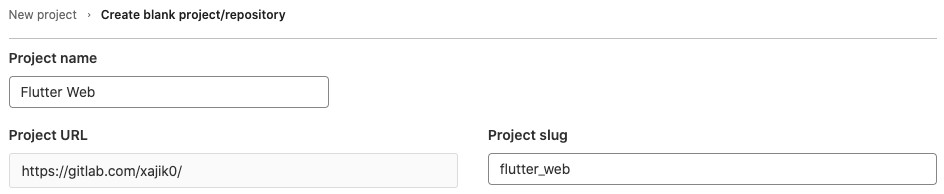
GitLab — new project creation window
GitLab CI/CD
In the root folder create .gitlab-ci.yml file with the next content:
1
2
3
4
5
6
7
8
9
10
11
12
13
14
15
16
17
18
19
20
21
22
build_and_test_web_app:
  stage: build
  image: cirrusci/flutter:stable
  before_script:
    - flutter pub get
  script:
    - flutter build web
    - flutter analyze
    - flutter test
  artifacts:
    paths:
      - build/web

pages:
  stage: deploy
  script:
    - cp -r build/web public
  artifacts:
    paths:
      - public
  only:
    - master
GitLab CI/CD
As soon as you merge your changes to master , GitLab will automatically recognise CI/CD configuration and kick off a build

GitLab CI/CD pipeline
GitLab Pages
After pipeline succeeds visit Settings/Pages to find your project URL
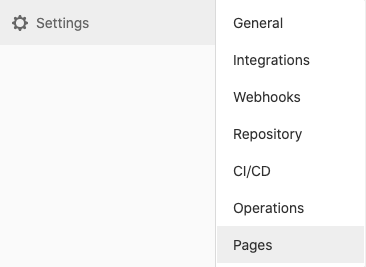

GitLab Pages settings page
GitLab Preview
Visit your page URL to see deployed web-app
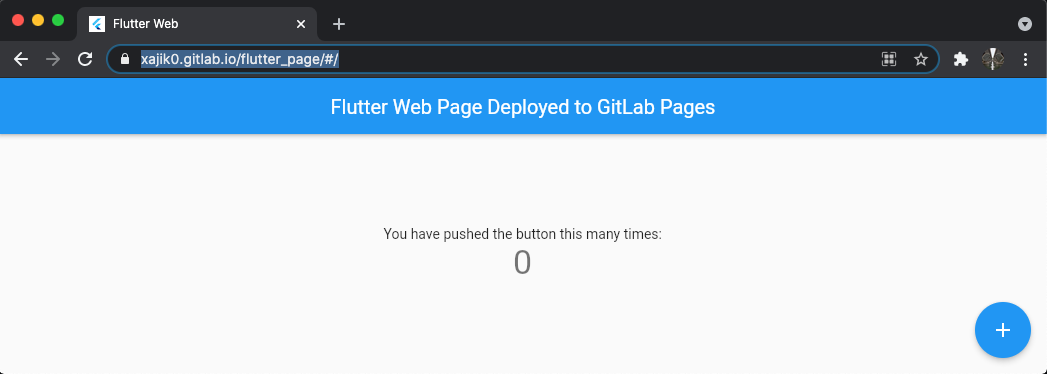
https://xajik0.gitlab.io/flutter_page/#/
Projects
GitLab
GitHub
Originally published on Medium.