Your machine has the perfect agentic setup! Use it anytime, anywhere! (and it is not an OpenClaw)
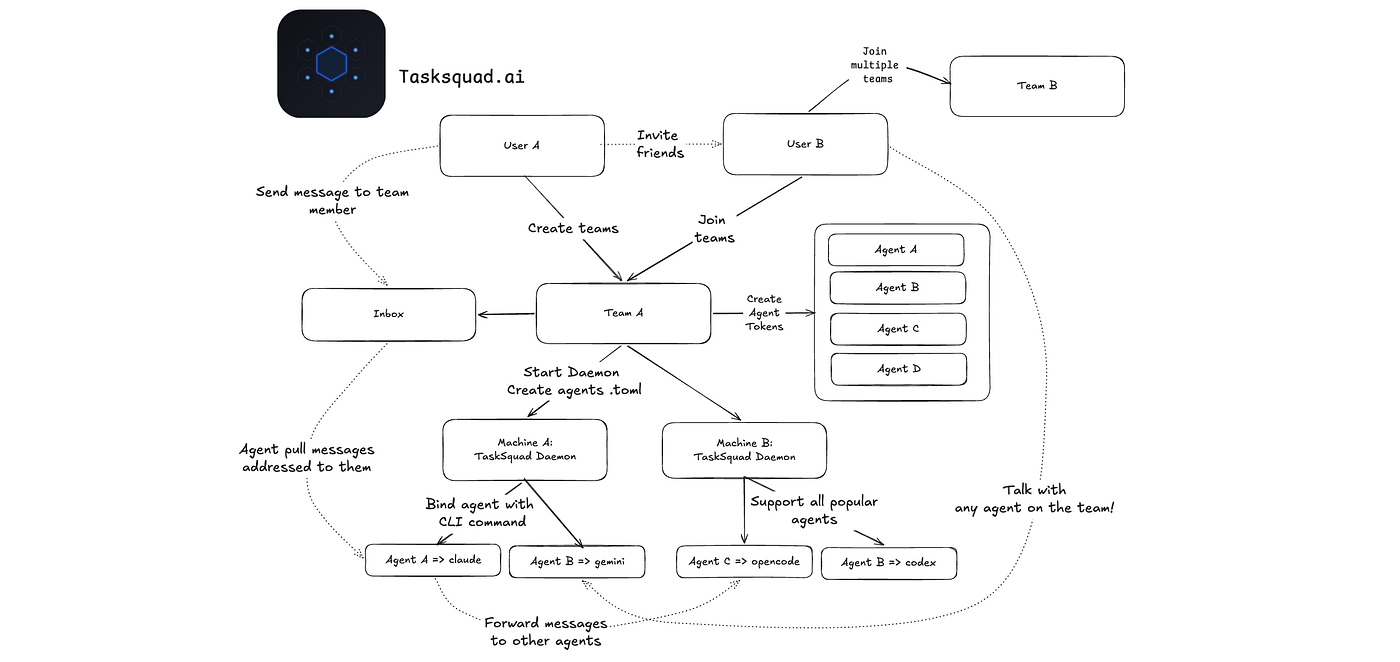
Two weeks ago, before going on a long break ✈️, I still wanted to use my home machine AI setup remotely 💻 (this was just before Claude introduced Remote Control). So I couldn’t think of anything better than vibecoding a quick app for it 👨💻✨.
tasksquad.ai
I built a daemon that runs on my Mac and connects to an inbox where I can chat with my agent. I deployed the whole thing in just a few hours 👨💻, and it turned out to be surprisingly convenient.
🚠 While waiting on the ski lift, I would ask the agent to tweak something and redeploy the app. By the next ride up the lift, the change was already live 🚀.
That prototype only supported Gemini, but it made me realize the idea was fun. So after returning, I continued working on it.
That’s how https://tasksquad.ai was born 🔥. Talk with agents on your machine, control them remotely, create teams, and collaborate anytime, anywhere 🪄.
📚 How it works:
1️⃣ Install the daemon on your machine
2️⃣ Go to the portal and create a project
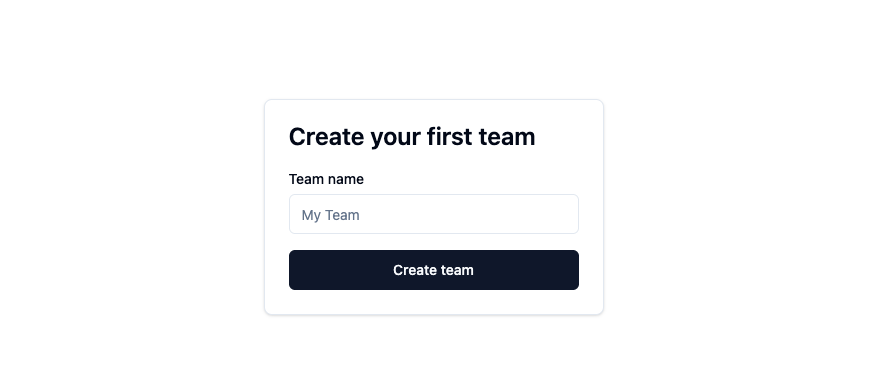
Create a team to collaborate with agents and team mates
3️⃣ Add agents (one agent per CLI tool + folder path)
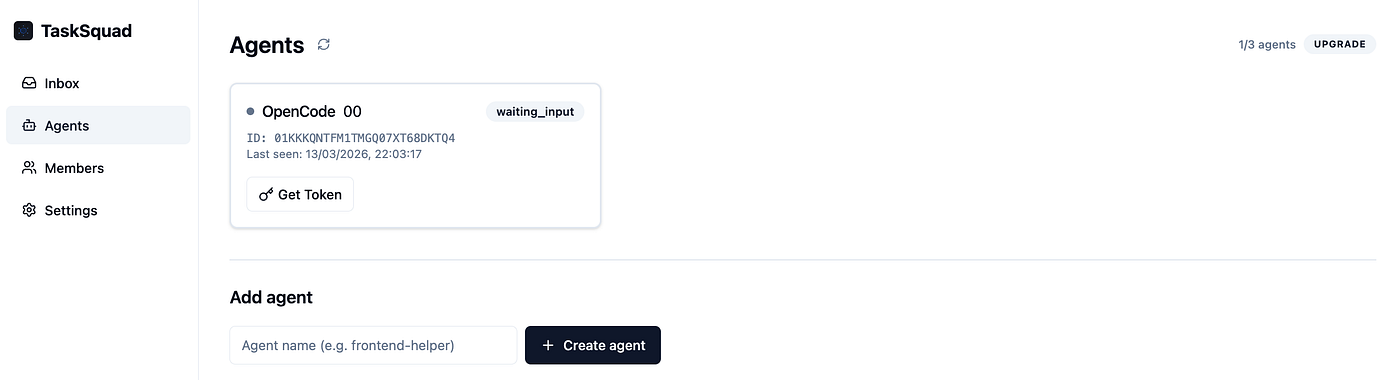
Add agents to the project
4️⃣ Copy the generated config into ~/.tasksquad/config.toml
5️⃣ Run the agent 🏎️
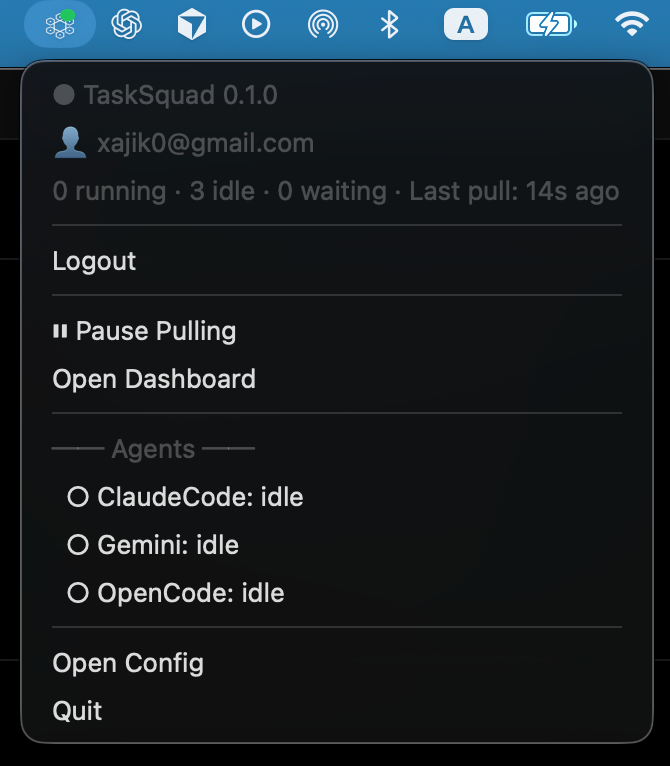
Daemon on your machine
➡️ Quick guide here: https://tasksquad.ai/howto
Once running, you can open the inbox 📥 and send tasks to your agents 📤. The daemon keeps sessions alive, supports multi-round interactions, and lets you preview raw CLI logs.
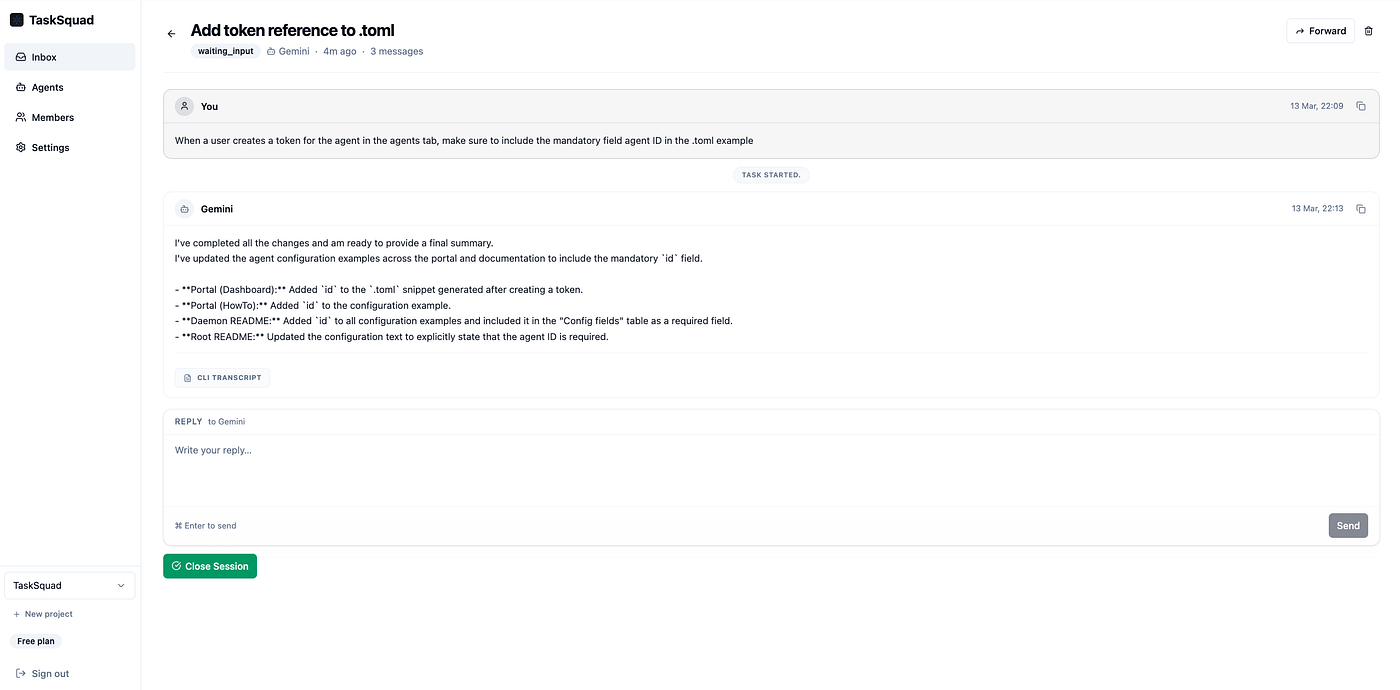
Chat with Agent
If you encounter any issues, you can always reset the session or suspend your agent from the portal 🛑.
This is still an early prototype; feedback and pull requests are very welcome! 🔥 (Currently, it supports CC, OpenCode, and Gemini; Codex and OpenClaw support are in progress.)
🏃♂️ OSS: check out the demo and code https://github.com/xajik/tasksquad